
Consistent invoices
reuse customer and item records when preparing a new invoice.
Create invoices and track due dates and collections in one place, without entering customer details again each time.
One-time licence purchase. On your local or cloud server.
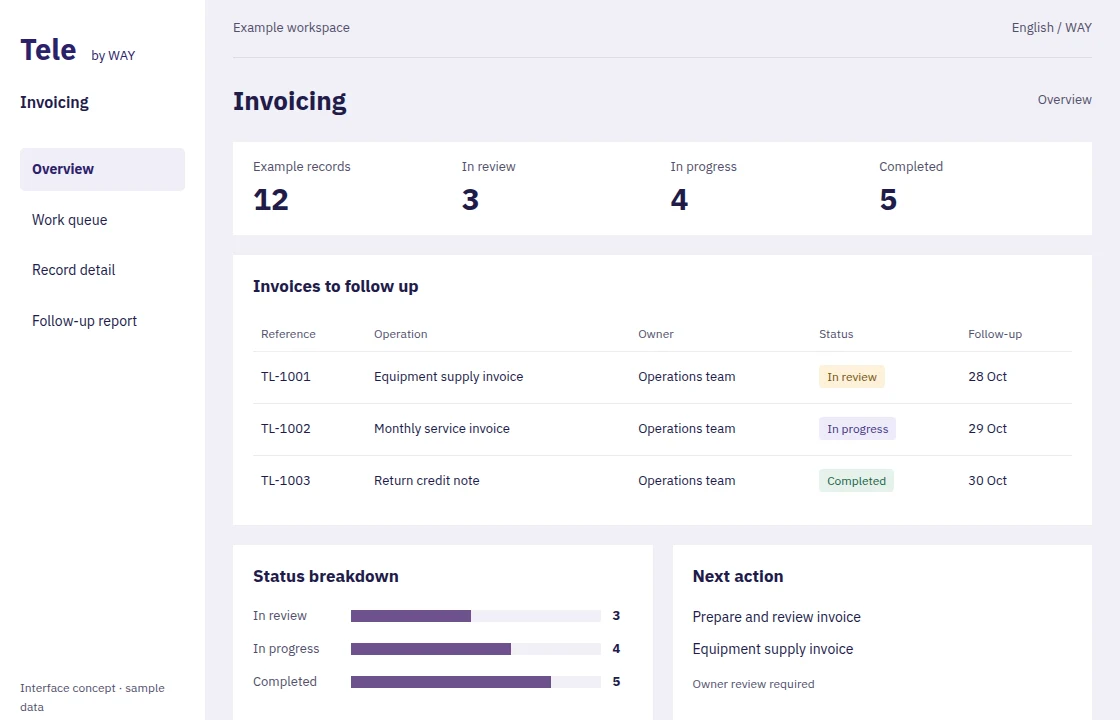
Service and trading businesses that need clear billing and daily visibility into outstanding balances.
reuse customer and item records when preparing a new invoice.
distinguish paid, outstanding and overdue amounts before contacting customers.
link corrections to the original invoice to preserve the transaction history.
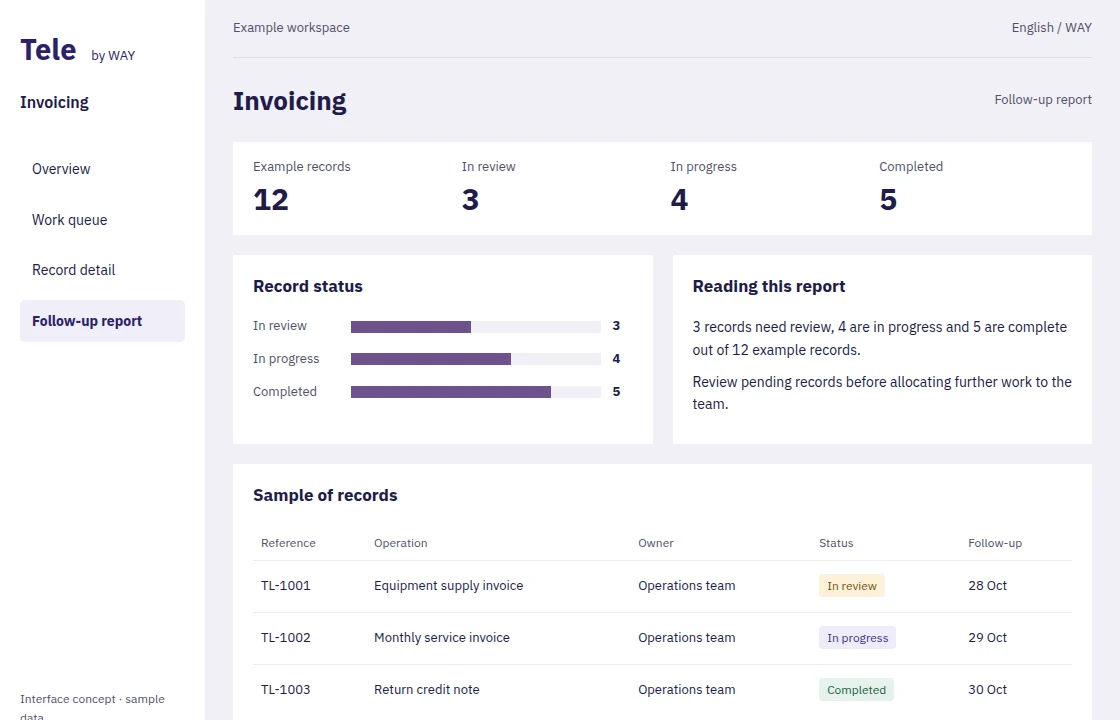
review sales, taxes and balances by customer and period.
Turn an agreed quote into an invoice while retaining customer and line details.
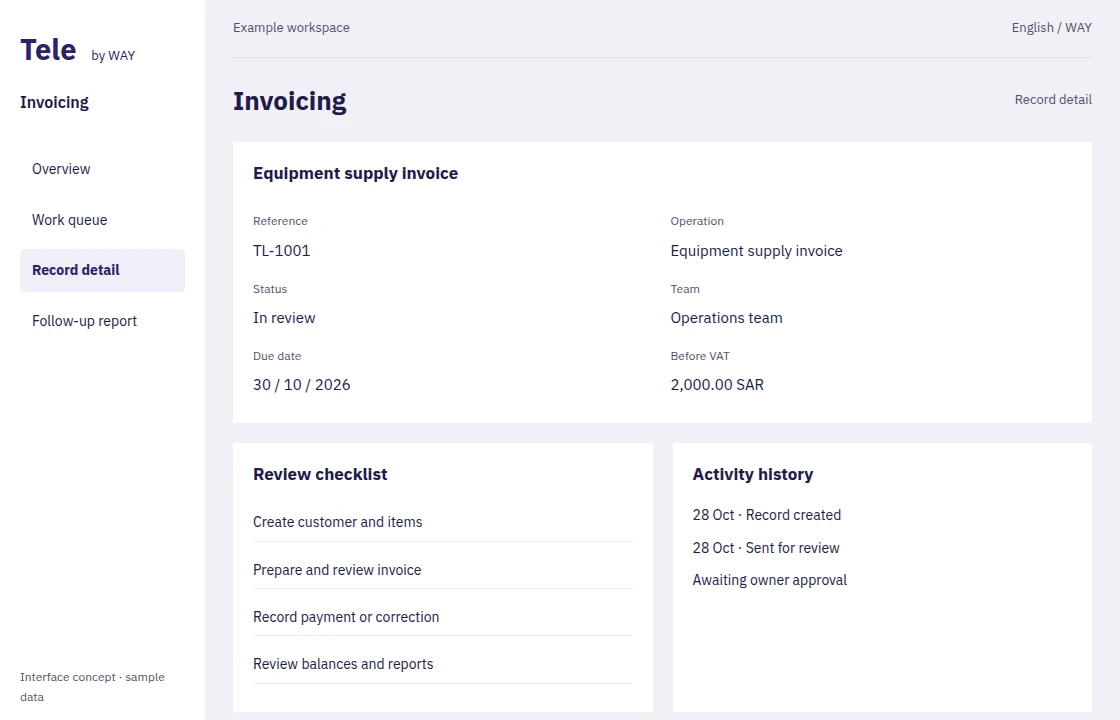
Link returns and corrections to the original invoice for a clear customer balance.
Give customers access to their documents and organise reminders for overdue balances.
Explore dashboards, records and reports. These images are interface concepts; see the configured system with our team in a demo.
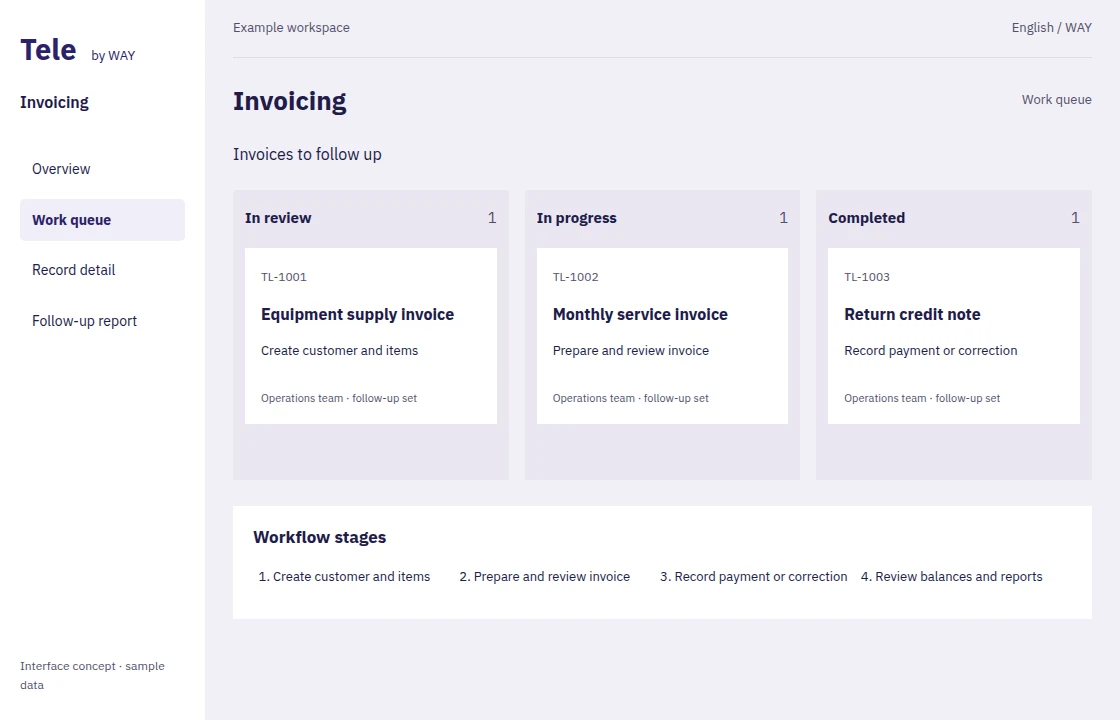
Included across Tele solutions, connecting your operations, digital presence and people.
Present your business and services or sell products through a site connected to your system. Pages, catalogue and order intake are agreed during launch.
Summarise records, understand indicators and assist your team with content and analysis. Access follows user permissions; the AI provider and usage allowance are configured at setup.
Adapt fields, forms, reports and approval flows with supported visual tools. Bespoke integrations and advanced software development remain separately scoped work.
Organise roles, approvals, attachments and activity history, and share reports with authorised users instead of duplicating files across departments.
ZATCA integration is scoped and tested during implementation; purchasing a licence alone does not activate it.
We agree launch steps, data and permissions with you. Visual configuration uses the system’s supported tools; bespoke integrations and additional work are agreed before delivery.
One-time user licences, with your chosen installation, launch and training hours.
Prices exclude VAT. Hosting, third-party usage and ongoing support are separate. Five hours is a minimum purchase, not a commitment to finish every scope in that time.
Purchase and delivery detailsA migration, testing and reconciliation plan, with 5 complimentary migration hours for new Tele customers on purchase.