
Work orders
link each fault to an asset, location, priority and responsible technician.
Turn a fault report into a clear work order and schedule preventive maintenance before delays disrupt operations.
One-time licence purchase. On your local or cloud server.
Maintenance teams in factories, buildings and facilities, and maintenance service providers.
link each fault to an asset, location, priority and responsible technician.
organise inspections and servicing around the asset maintenance plan.
track materials, technician time and work-order cost.
review recurring faults and inspection results before deciding on repairs.
Turn maintenance intervals into assigned work orders before equipment fails.
Record parts and labour against each order to understand asset and service costs.
Keep inspections, faults and repairs together to inform the next diagnosis.
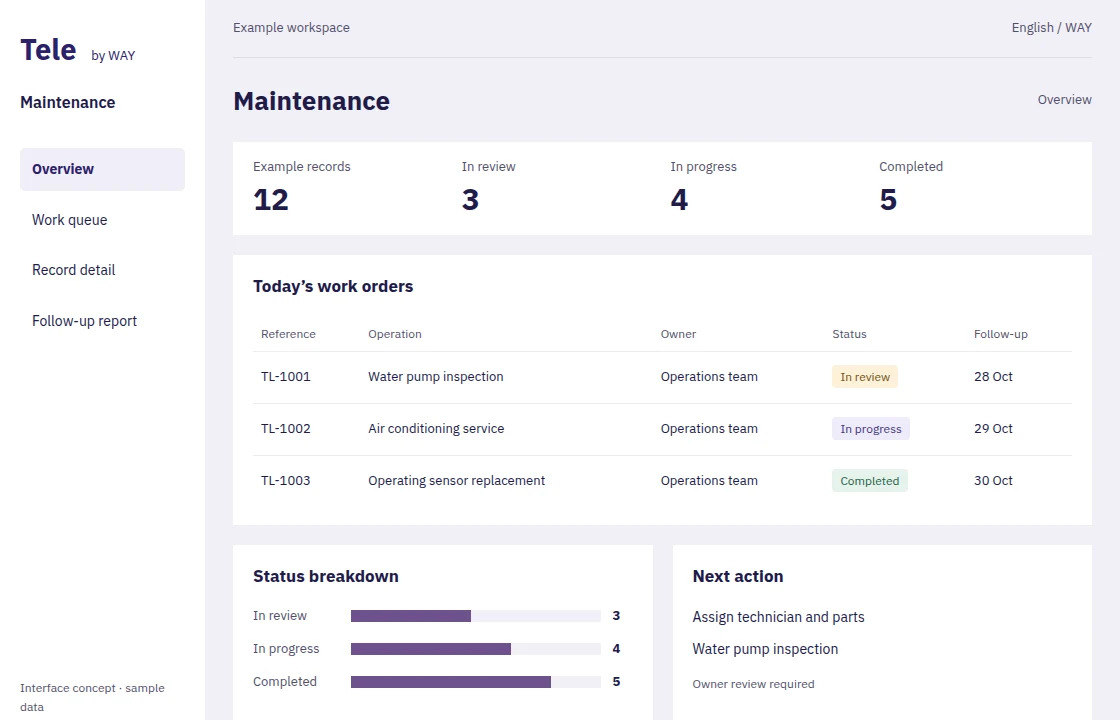
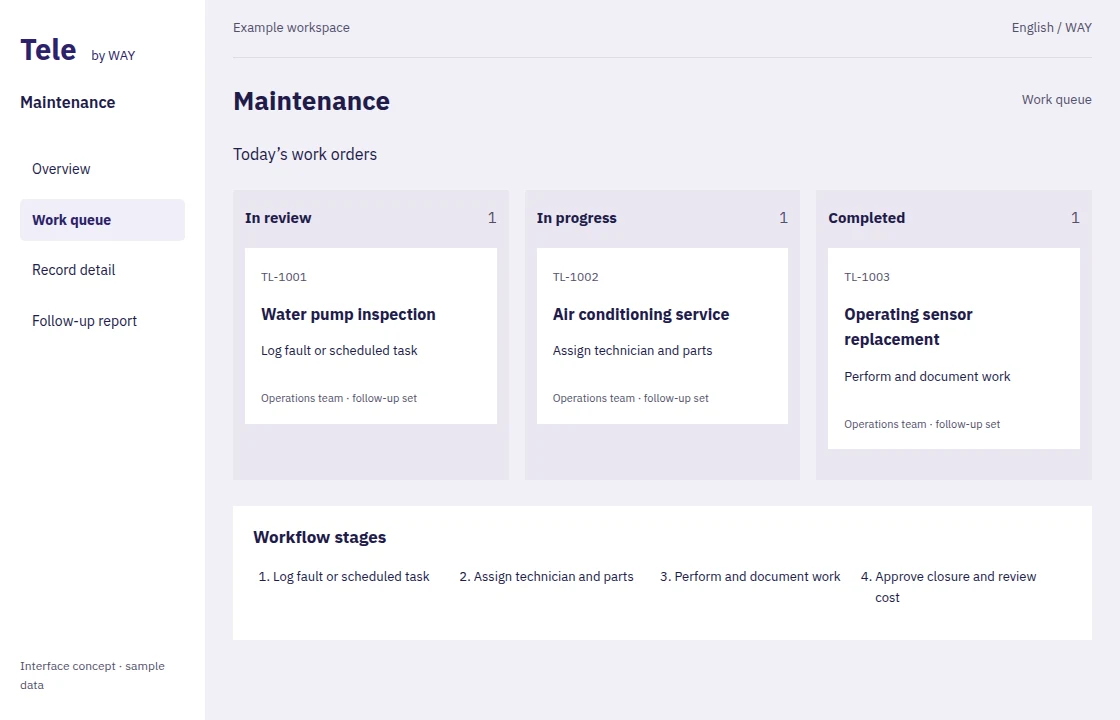
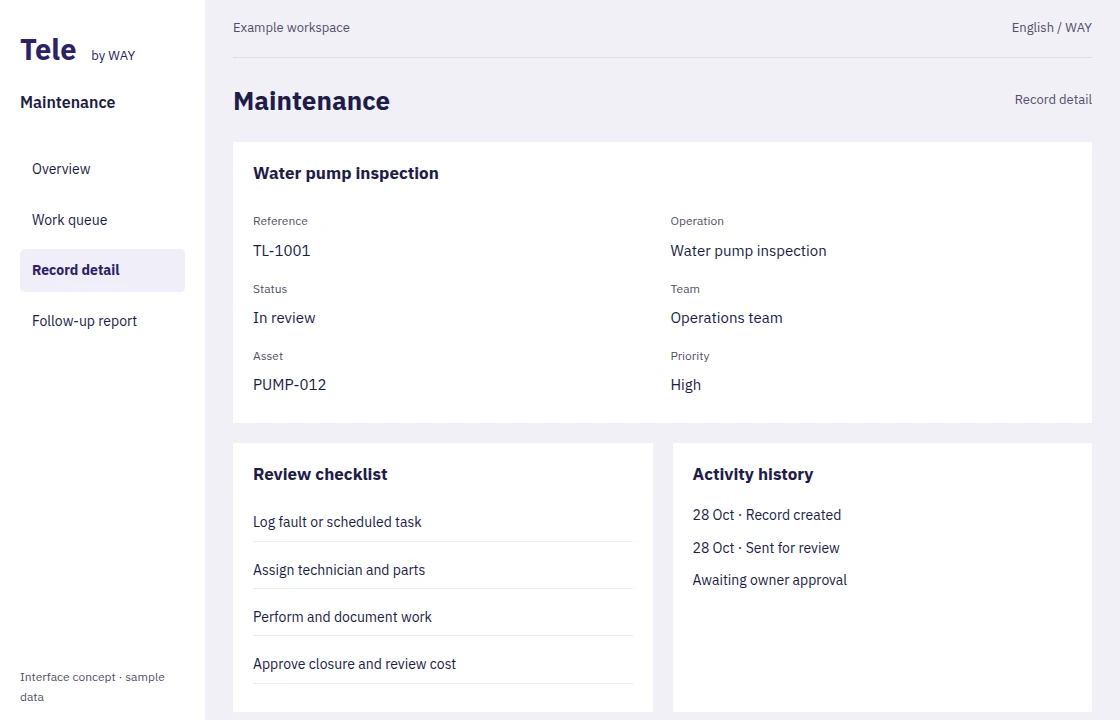
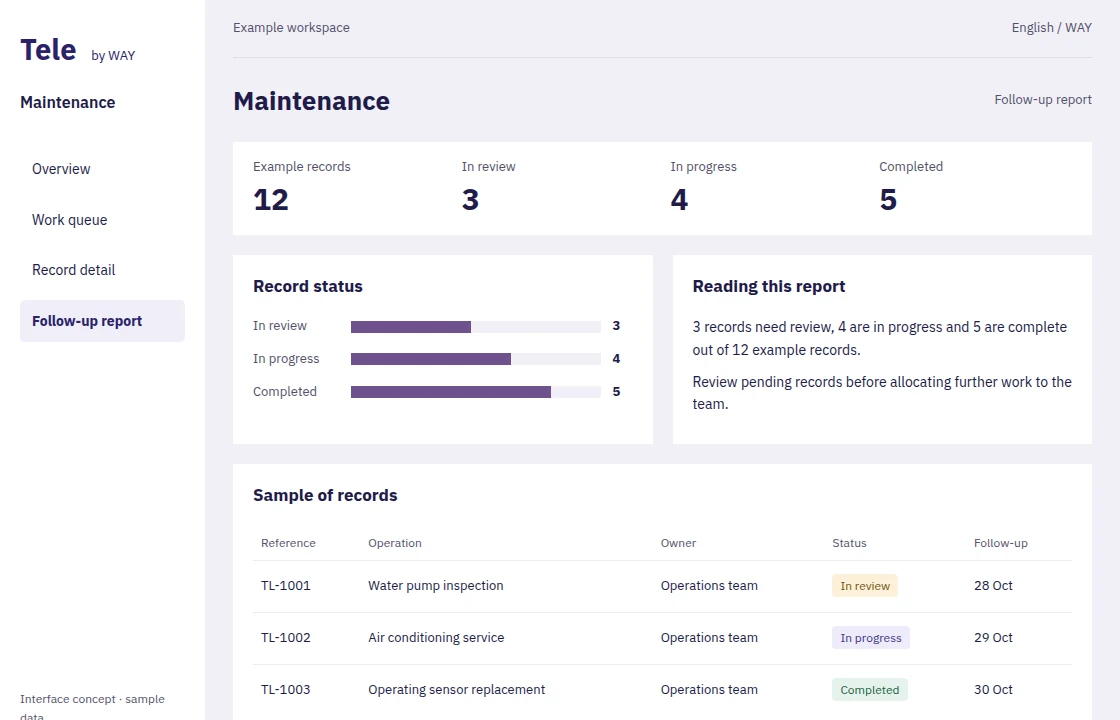
Explore dashboards, records and reports. These images are interface concepts; see the configured system with our team in a demo.
Included across Tele solutions, connecting your operations, digital presence and people.
Present your business and services or sell products through a site connected to your system. Pages, catalogue and order intake are agreed during launch.
Summarise records, understand indicators and assist your team with content and analysis. Access follows user permissions; the AI provider and usage allowance are configured at setup.
Adapt fields, forms, reports and approval flows with supported visual tools. Bespoke integrations and advanced software development remain separately scoped work.
Organise roles, approvals, attachments and activity history, and share reports with authorised users instead of duplicating files across departments.
Sensor feeds and machine connections require an integration assessment and are not included in basic installation.
We agree launch steps, data and permissions with you. Visual configuration uses the system’s supported tools; bespoke integrations and additional work are agreed before delivery.
One-time user licences, with your chosen installation, launch and training hours.
Prices exclude VAT. Hosting, third-party usage and ongoing support are separate. Five hours is a minimum purchase, not a commitment to finish every scope in that time.
Purchase and delivery detailsA migration, testing and reconciliation plan, with 5 complimentary migration hours for new Tele customers on purchase.